

Delivery Management
From the order to the doorstep, with a driver app and a live map.
What it does
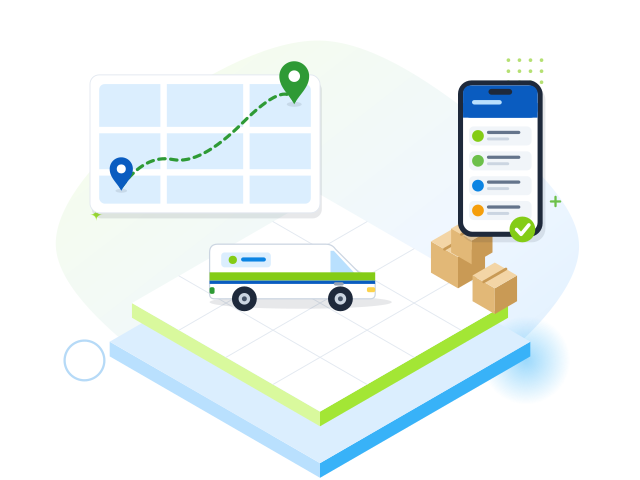
Delivery orders come from sales documents, POS delivery sales, the online store or an Excel import. Planners group them into trips by area and vehicle capacity, drivers follow the stops in a mobile app, and customers get a tracking link.
Key features
Planning
- Orders from sales, POS, online store or Excel
- Trip planning by area, zone and vehicle capacity
- Vehicles, drivers and helpers
- Trip manifest print
On the road
- Driver app for phones with navigation and call
- Proof of delivery: recipient, signature, photo or OTP
- Cash on delivery and partial or failed deliveries
- GPS from the driver phone or a vehicle tracker
Tracking
- Live map of vehicles
- Customer tracking link and feedback
- Order stages with time, user and position
- Maps with OpenStreetMap or your Google Maps key
Screens from this module
Real screens, shown with sample data.
How it works
- 1
Collect delivery orders
- 2
Plan trips and assign crews
- 3
Drivers deliver and capture proof
- 4
Close trips and reconcile cash
Reports & dashboards
- Delivery dashboard
- On-time and attempts analysis
- Driver performance and vehicle utilisation
- POD and cash-on-delivery registers
Related modules
Restaurant & Café
Tables and floor plan, kitchen tickets and display, modifiers, courses, tokens and order stages.
Sales & POSSales documents
Quotations, orders, deliveries, invoices, returns, credit notes, salesmen and targets.
Sales & POSOnline Store
Your own web shop with orders, stock and prices straight from the ERP.
CustomerVan Sales
Load the van, run routes and visits, sell and collect on the road, then settle.
Operations
See MAPRIT working for your business
Book a demo with our team and see it working for your business.